Figma to Bubble Converter 2025: Official Free Plugin – Import Full Designs in Seconds
The Biggest Time-Saver in No-Code Just Went Official (and Free)
August 2025: Bubble quietly acquired Deezign and turned the legendary third-party plugin into the official Figma to Bubble Converter, now 100% free for every Bubble user.
What used to take designers + developers 15–30 hours of painful manual reconstruction now takes literally 60 seconds of copy-paste.
At Paistudio we've been beta-testing this since day one. Result:
- Designers now own 90–95% of front-end building
- Average MVP timeline dropped from 4–6 weeks → 10–14 days
- Zero “it doesn't look like the Figma” complaints
- We raised rates 40% because the polish looks like a $500K custom app
Here's the exact 2025 workflow we use on every $50K–$300K project.
1. Setup in Under 2 Minutes (100% Free)
No paid plans, no API keys nightmare.
- Go to Figma Community (figma.com/community) → Search “Figma to Bubble Converter” (official blue checkmark) → Install
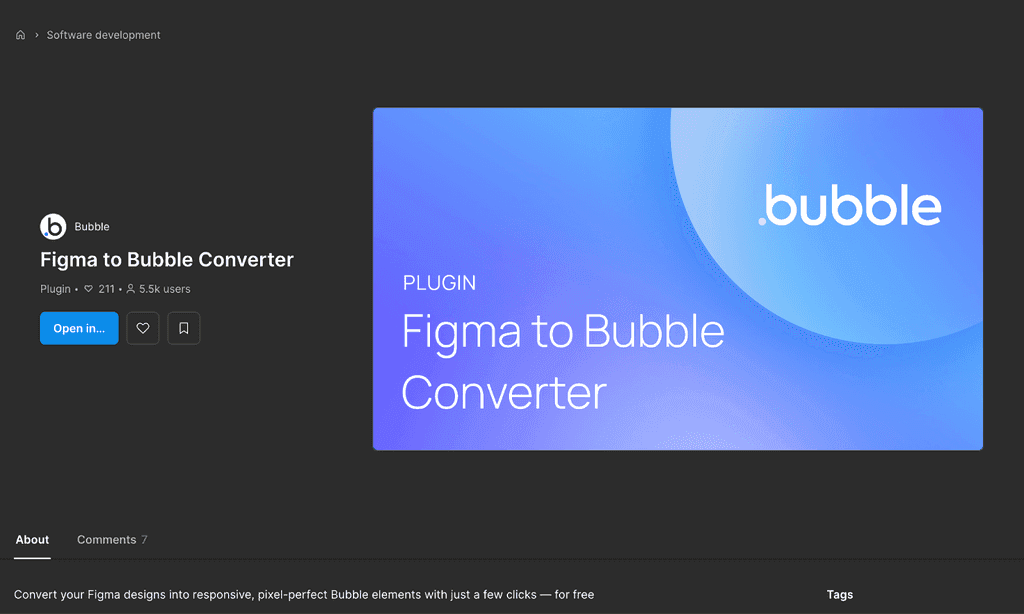
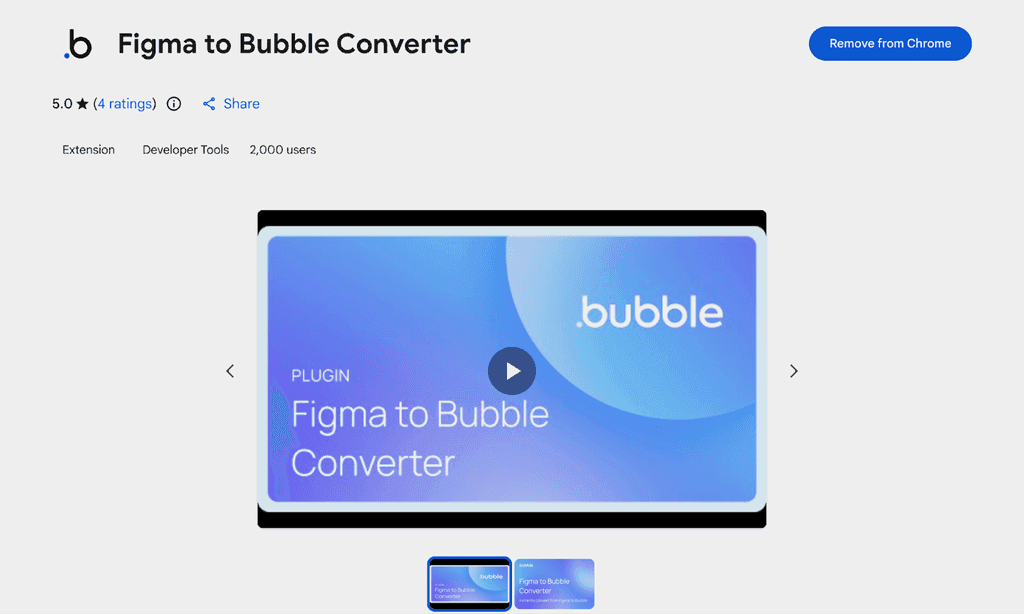
- Go to Chrome Web Store → Install “Figma to Bubble Converter” extension (one-click paste into Bubble editor)
- Generate Token (one-time) → You'll need a Bubble account to generate an access token → Get started (bubble.io/figma-to-bubble) → Figma Plugin
Done. Token only has read-only design permissions.
2. Step-by-Step: From Figma Frame to Live Bubble Page
Prepare your Figma file (5 golden rules)
- 100% Auto Layout (no absolute position ever)
- Name layers properly (btn_primary, card_product, input_email)
- Use Component Sets for states (Default / Hover / Focus / Error)
- Use Figma Variables for colors & text styles
- Stick to 8-point grid
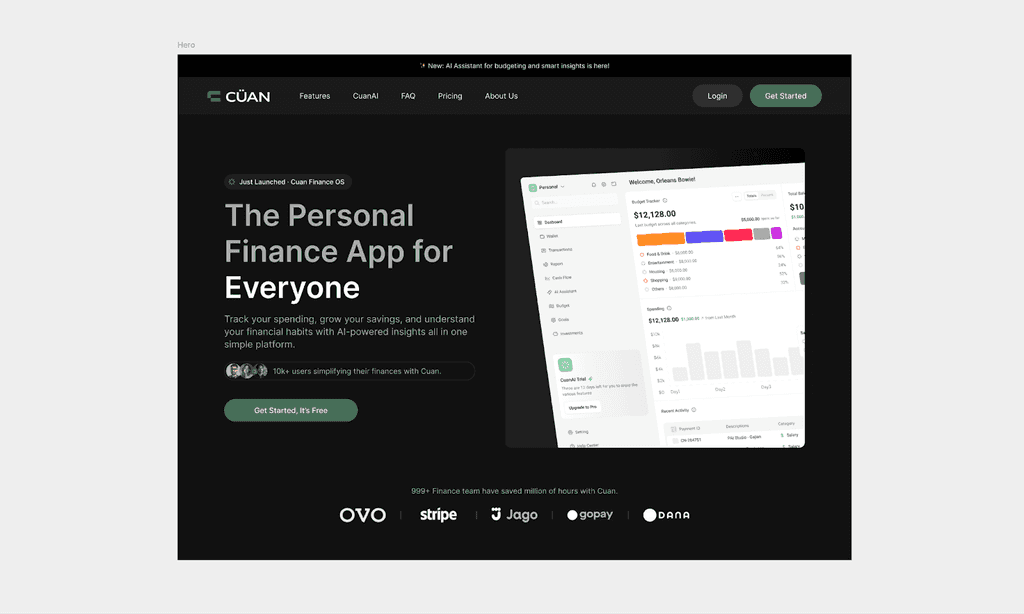
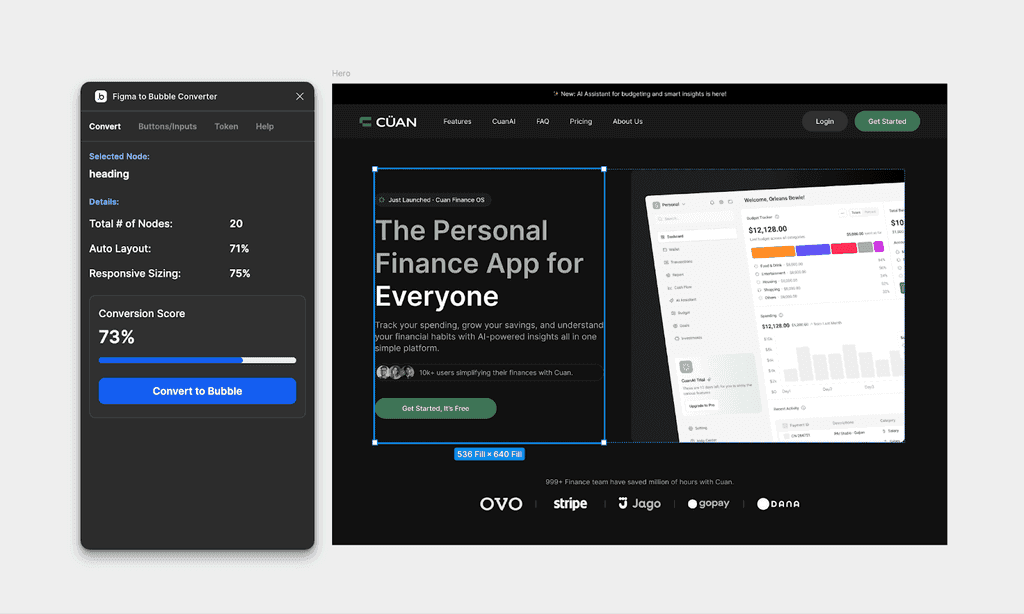
- Run the converter — Select the frame/page you want → Right-click → Plugins → Figma to Bubble Converter → “Convert selection” → Wait 5–15 seconds (depends on complexity)
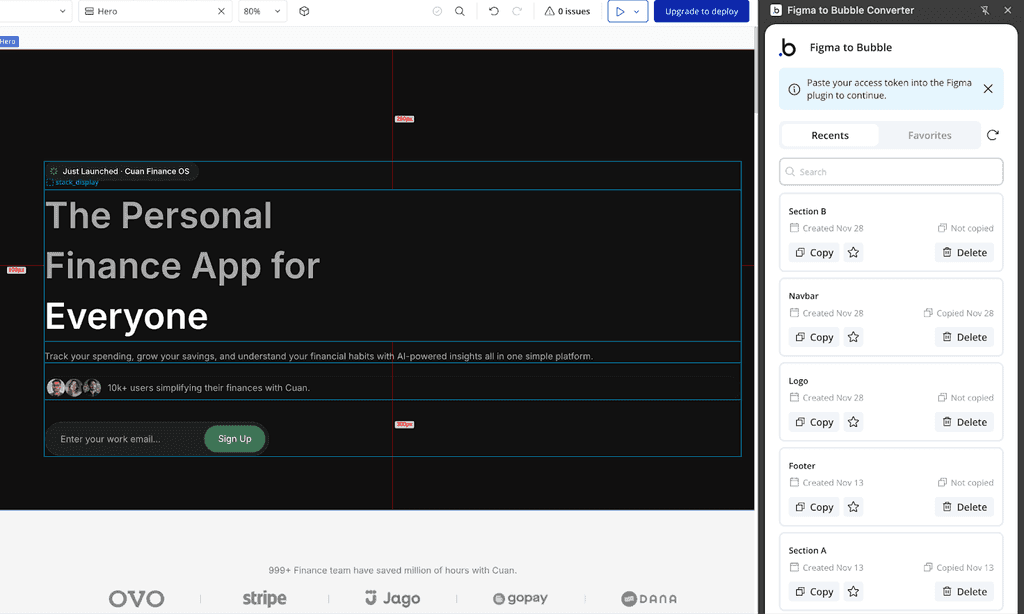
- Paste into Bubble — Open your Bubble editor → Click anywhere on the page → Ctrl+V (or Cmd+V) → Entire structure appears as native, editable Bubble elements
10-minute polish (the only manual part)
- Fix tiny spacing differences (usually <10 px)
- Connect dynamic data binding (Current User's name, Repeating Group's data source, etc.)
- Add page-load stagger animations (we do this in <5 min)
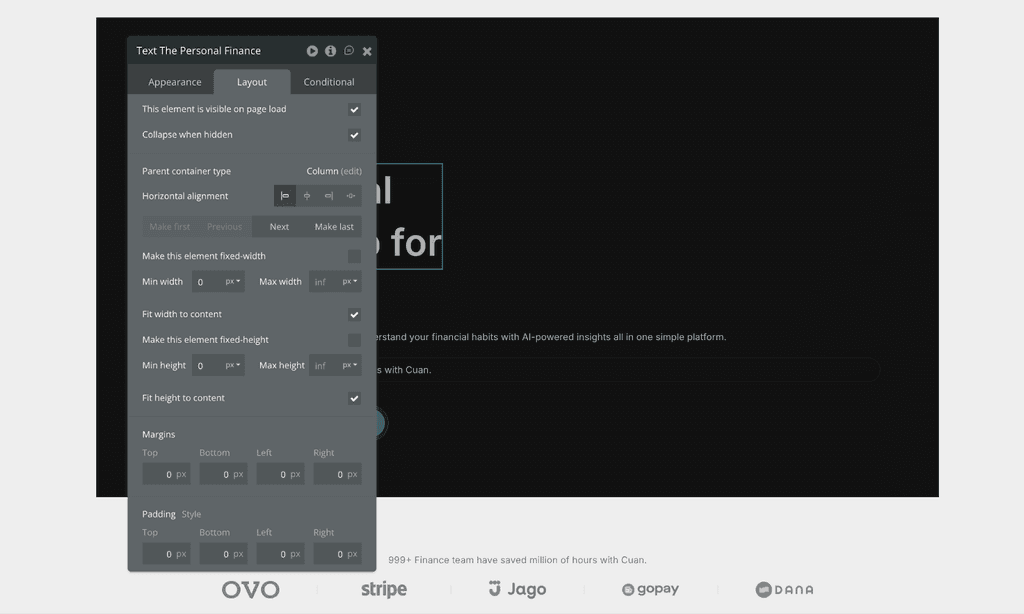
That's it. Your design is now a fully functional, responsive Bubble app.
3. Current Limitations & Instant Workarounds (Be Honest)
Nothing is perfect yet.
Issue:
- Complex custom animations
- Some shadows/drop effects
- Fixed-width designs
Workaround we use daily:
- Split very large pages into logical sections
- Add manually after paste (still 10× faster)
In practice these affect <5% of total work.
Final Verdict
The official Figma to Bubble Converter is the single biggest productivity leap in no-code since responsive engine v2.
If you're a designer reading this: stop handing off static Figma files. Start pasting live, breathing, pixel-perfect apps in minutes. The era of “designer vs developer” in Bubble is officially over.
Welcome to the designer-builder hybrid era.
Ready to 5× your speed? Install the plugin right now: Figma to Bubble (chromewebstore.google.com)
Let's build the future